
Download Photobucket – free photo storage, sharing & hosting
Overview
Photobucket has been a staple of online image management for more than a decade, offering a blend of storage, editing, and social sharing that appeals to both casual users and hobbyist photographers. The platform’s core promise is simple: give you a reliable, web‑based library where you can upload, organize, and showcase pictures without the hassle of maintaining local backups. When you sign up for a free account, you instantly receive 500 MB of space—enough to hold thousands of compressed photos, memes, icons, and short‑form graphics.
While this quota is modest compared to the gigabytes offered by some competitors, it strikes a balance between accessibility and performance, especially for users who primarily need a place to host images for blogs, forums, or social media posts. What truly sets Photobucket apart is its massive, searchable catalog of publicly available images. The site categorizes pictures into fun, intuitive folders such as “Funny Memes,” “Cute Animals,” “Holiday Icons,” and “DIY Graphics,” making it a treasure trove for content creators who need a quick visual punchline.
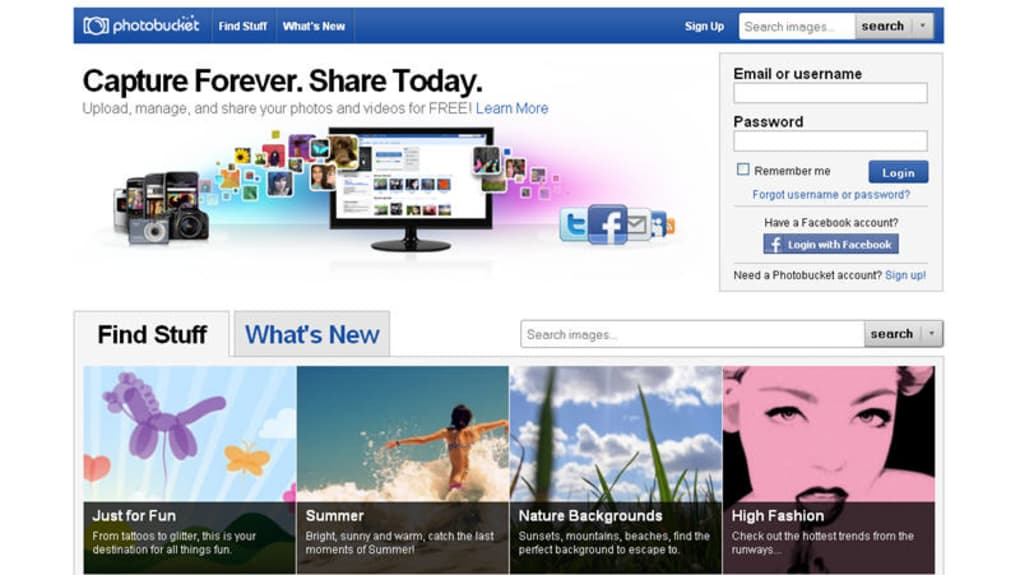
The search engine is tuned to surface both user‑generated uploads and the curated library, so you can discover relevant graphics with just a few keystrokes. In addition, Photobucket hosts regular photography contests, encouraging community interaction and offering a platform for emerging talent to gain exposure. The interface has undergone a major redesign in recent years, moving away from the cluttered layouts of its early days to a cleaner, more responsive theme that works well on desktop browsers and mobile devices alike.
However, the site still carries a noticeable ad presence, which can be a bit distracting during heavy browsing sessions. Overall, Photobucket delivers a dependable, easy‑to‑use solution for anyone who wants to store, edit, and share images without installing heavyweight desktop software. Its blend of free storage, built‑in editing tools, and a searchable public library makes it a versatile tool for personal projects, small business marketing, and casual social sharing.
Key Features & Installation Guide
Photobucket’s feature set is built around three pillars: storage, simple editing, and social integration. Below is a concise list of the most useful capabilities that users can access directly from the web app:
- 500 MB of free cloud storage for images, with optional paid upgrades.
- Drag‑and‑drop upload interface that supports batch uploads of JPEG, PNG, GIF, and BMP files.
- Built‑in editing suite offering red‑eye removal, cropping, rotating, resizing, and basic color adjustments.
- Folder organization system with custom tags and private/public visibility settings.
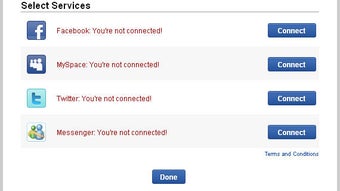
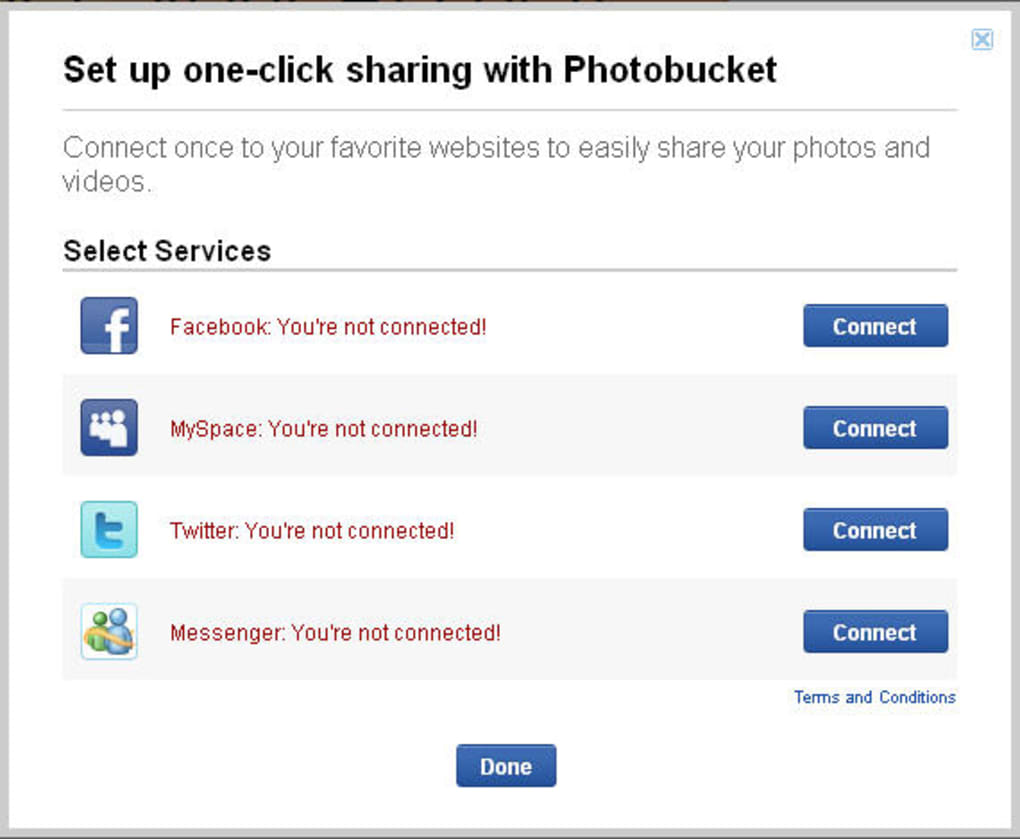
- Direct sharing links and HTML embed codes for seamless integration with blogs, forums, and social platforms like Facebook, Twitter, and Instagram.
- Searchable public library with curated categories for memes, icons, and stock‑style graphics.
- Regular community contests that encourage user participation and creative expression.
- Mobile‑responsive design plus dedicated iOS and Android apps for on‑the‑go uploads.
- Secure HTTPS connection for all data transfers, ensuring privacy and protection against eavesdropping.
Getting started with Photobucket is straightforward and does not require any complex installation steps. Follow these simple instructions to begin using the service:
- Visit photobucket.com and click the “Sign Up” button located at the top‑right corner of the homepage.
- Choose the free plan, fill in your email address, create a secure password, and confirm your account via the verification email.
- Once logged in, you’ll be greeted by the dashboard. Click the “Upload” button, then drag your image files into the designated area or use the “Browse” option to select files from your computer.
- After the upload completes, assign each picture to a folder, add tags, and set visibility (private or public) according to your needs.
- To edit a photo, click on the thumbnail, select “Edit,” and choose from the available tools. Apply changes and save – the edited version overwrites the original unless you duplicate the file first.
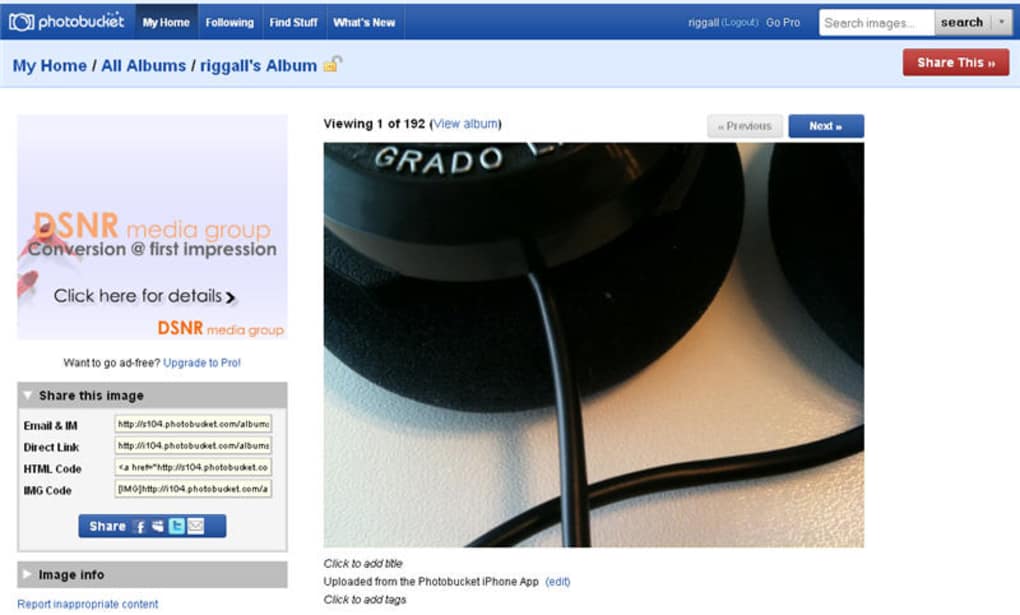
- For sharing, click the “Share” icon to copy a direct link, generate an HTML embed code, or share instantly to your linked social media accounts.
- If you need more space, navigate to the “Upgrade” section where you can purchase additional storage plans ranging from 5 GB to 1 TB at competitive rates.
The entire process is browser‑based, meaning you don’t have to download any additional software on your PC or Mac. The only requirement is a modern web browser (Chrome, Firefox, Edge, or Safari) with JavaScript enabled. For mobile users, the Photobucket app can be installed from the Apple App Store or Google Play Store, providing a native experience that mirrors the web functionality.
Compatibility, Pros & Cons
Photobucket is a cloud‑first service, which means it works on virtually any operating system that can run a contemporary web browser. Whether you’re on Windows 10/11, macOS Ventura, a Linux distribution, or a Chromebook, you’ll experience the same feature set and performance. The responsive design automatically adapts to different screen sizes, delivering a smooth experience on tablets and smartphones alike. For those who prefer a dedicated app, Photobucket offers native clients for iOS (iPhone, iPad) and Android, ensuring that you can upload and manage images directly from your mobile device without needing to open a browser.
Pros
- Free tier with decent storage: 500 MB is enough for casual users and small projects.
- Intuitive web interface: Drag‑and‑drop uploads and clear folder organization make it beginner‑friendly.
- Built‑in editing tools: Quick fixes like red‑eye removal and cropping eliminate the need for external software.
- Robust public library: Categorized, searchable images provide a convenient source of free graphics.
- Social sharing integration: One‑click sharing to major platforms speeds up content distribution.
- Secure HTTPS connections: Your photos are transferred and stored securely.
- Mobile apps: iOS and Android clients keep you productive on the go.
Cons
- Advertisement clutter: The free version includes banner ads that can distract during browsing.
- Limited free storage: Power users may quickly outgrow the 500 MB quota and need to pay for upgrades.
- Performance on large libraries: Very extensive personal collections can load slower compared to lighter services.
- No advanced editing suite: Professional photographers will miss features like layers, filters, or RAW support.
- Occasional UI inconsistencies: Some users report minor glitches when switching between desktop and mobile layouts.
FAQ & Conclusion
Is Photobucket still free to use?
Yes. Photobucket offers a free tier that includes 500 MB of storage, basic editing tools, and access to the public image library. Paid plans are available for users who need more space or an ad‑free experience.
Can I use Photobucket to host images for my website?
Absolutely. Each uploaded photo generates a direct URL and an HTML embed code, which you can insert into blogs, e‑commerce sites, or any web page that supports external images.
What file formats does Photobucket support?
Photobucket accepts JPEG, PNG, GIF, and BMP files. Animated GIFs retain their motion after upload, and the platform automatically creates thumbnail previews for faster browsing.
Is my data safe on Photobucket?
Photobucket uses HTTPS encryption for all uploads and downloads, and its servers are backed by regular security audits. However, for highly sensitive images, it’s recommended to keep a local backup.
How do I upgrade my storage plan?
Log in to your account, go to the “Upgrade” section in the dashboard, and choose from the available plans (5 GB, 50 GB, 200 GB, or 1 TB). Payment is processed securely via credit card or PayPal, and the extra space is added instantly.
In summary, Photobucket remains a solid choice for anyone who needs a quick, free solution to store, edit, and share images online. Its generous public library, simple editing tools, and seamless social integration make it especially appealing for bloggers, small business owners, and casual photographers. While the ad‑supported free tier can feel a bit noisy and the storage limit may require an upgrade for heavy users, the overall value proposition is strong. If you’re looking for a reliable web‑based photo host that works across Windows, macOS, iOS, and Android, give Photobucket a try today. Download now, create your free account, and start uploading your memories in seconds.
Photobucket offers a balanced mix of free storage, easy editing, and a searchable public image library. The ad‑heavy free tier and modest storage limit are the only notable drawbacks, but paid upgrades remove ads and add ample space. Overall, a dependable and user‑friendly photo hosting service.



.png)



